Gold Standard & the Ultimate Medical
Notes & Materials for
Medical Students - MBBS | NEXT | USMLE |
PLAB.
Containing over 5000
Medical Notes / MBBS
Notes, you can learn
anything here.
Over 1 million medical students and professionals use MedNotes everyday.
Detailed |
Compact | Standard | Clinically-OrientedKeep Learning 🧠
💊 Must-Have for All Medical / MBBS, Pre-Med & Allied Health Students!
🎓 Made for medical students and professionals who want clear, detailed information to enhance their
knowledge.
mtk meta utility v51
Point wise for better understanding
Thousands of images and tables in each ebook
For University | NEXT | USMLE | PLAB
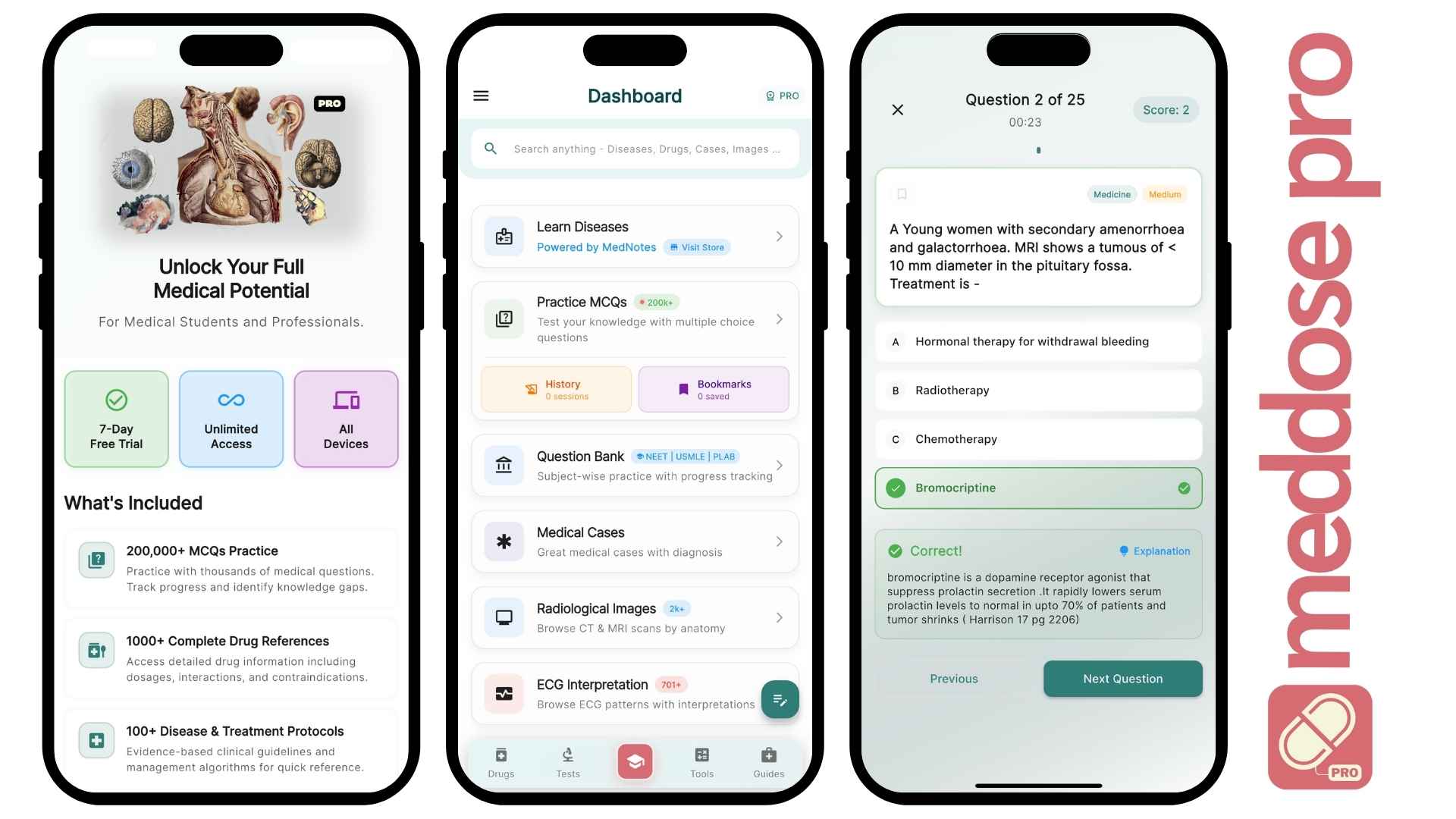
Just Released with 200K+ MCQs
💊 MedDose Pro
Your complete medical reference —
200K+ MCQs for NEET & USMLE,
100+ Diseases,
, and powerful tools —
all offline, fast & reliable.
Press and hold the buttons simultaneously
Unlimited MCQs with progress stats
A to Z Drugs with detailed profiles
Clinical calculators & quick guides
Notes & vaccine schedules for quick reference
MedNotes
Originals
🚀
Mtk Meta Utility V51 !new! 📍
Press and hold the buttons simultaneously. Insert the USB cable while holding the buttons.
Navigate to the main menu and click the specific function you require (e.g., Disable Auth or Clear FRP ). The software will log an status indicator stating: "Waiting for device in BROM mode..."
Hold the specified boot keys (usually or just Volume Down ). Insert the USB cable while holding the keys.
is a specialized, free software application used by mobile technicians to service, flash, and unlock MediaTek (MTK) and Qualcomm-powered Android smartphones. Developed by Miko Force, this utility serves as an all-in-one toolkit designed to bypass security protocols like MediaTek's Secure Boot (Authentication Bypass), strip away factory resets, and repair low-level software bricking. Key Features of Version 51
IMEI repair tools should only be used to restore original, lost device identification numbers. Modifying IMEIs to clone or mask stolen devices is illegal in most jurisdictions.
A good repair toolkit is as much about workflow as function. v51 respects the technician’s time: fewer retries, clearer success/failure indications, and predictable behavior. That small, practical predictability translates into calmer repair benches and faster turnaround—concrete wins in a business built on margins and reputation.
MTK Meta Utility v51 is a software tool developed by MediaTek, the Taiwanese chipmaker behind the popular MTK chipset. The utility is designed to provide a comprehensive platform for developers, repair technicians, and enthusiasts to interact with MTK-based devices. With MTK Meta Utility v51, users can perform a wide range of tasks, including flashing firmware, unlocking bootloaders, modifying device configurations, and more.
Flashing incorrect firmware or interrupting a partition erase can render a device completely unresponsive. Always back up the NVRAM and Preloader before major operations.
In the dimly lit workshop of a local repair tech named , the air was thick with the scent of solder and the hum of old desktop fans. Leo’s latest challenge sat on his bench: a Samsung Galaxy Tab A7 Lite
Before installing MTK Meta Utility V51, you must prepare your Windows environment to prevent connection errors or software conflicts. System Requirements Windows 10 or Windows 11 (64-bit recommended).
Connect
with us 🔗
Testimonials
💬
“Extremely helpful app. I like the notes and the way everything is there on this app”
Sakshi Mishra - Second year Medical Student
“I'm very particular
about the notes I study from, there's a certain organisation, look and feel without which I just can't
study. Mednotes came in as my saviour. Gonna recommend this to all my juniors”
Shruti Singh Baghel - First Year Medical Student
“This platform is literally the reason why I'm able to score in anatomy and physiology. Bless
the
team😭😭for saving me the
time and efforts of making such beautiful notes myself. I can't thank y'all enough
Anmol Chauhan - Second Year Medical Student
“may God bless you yash pathak and all the team members.... For this pretty awesome
notes....😍😍😍😍”
Wahib Zaidi - First Year Medical Student
“I love it so much! Especially for students who are preparing to enter med schools, it help me
practice
my mind, I love the handwriting.
Thank you for creating this wonderful platform, it really is helpful”